
Order Handling
- Processing time
- 1–3 business days
We prepare your order before it is dispatched. Handling time is separate from shipping time.


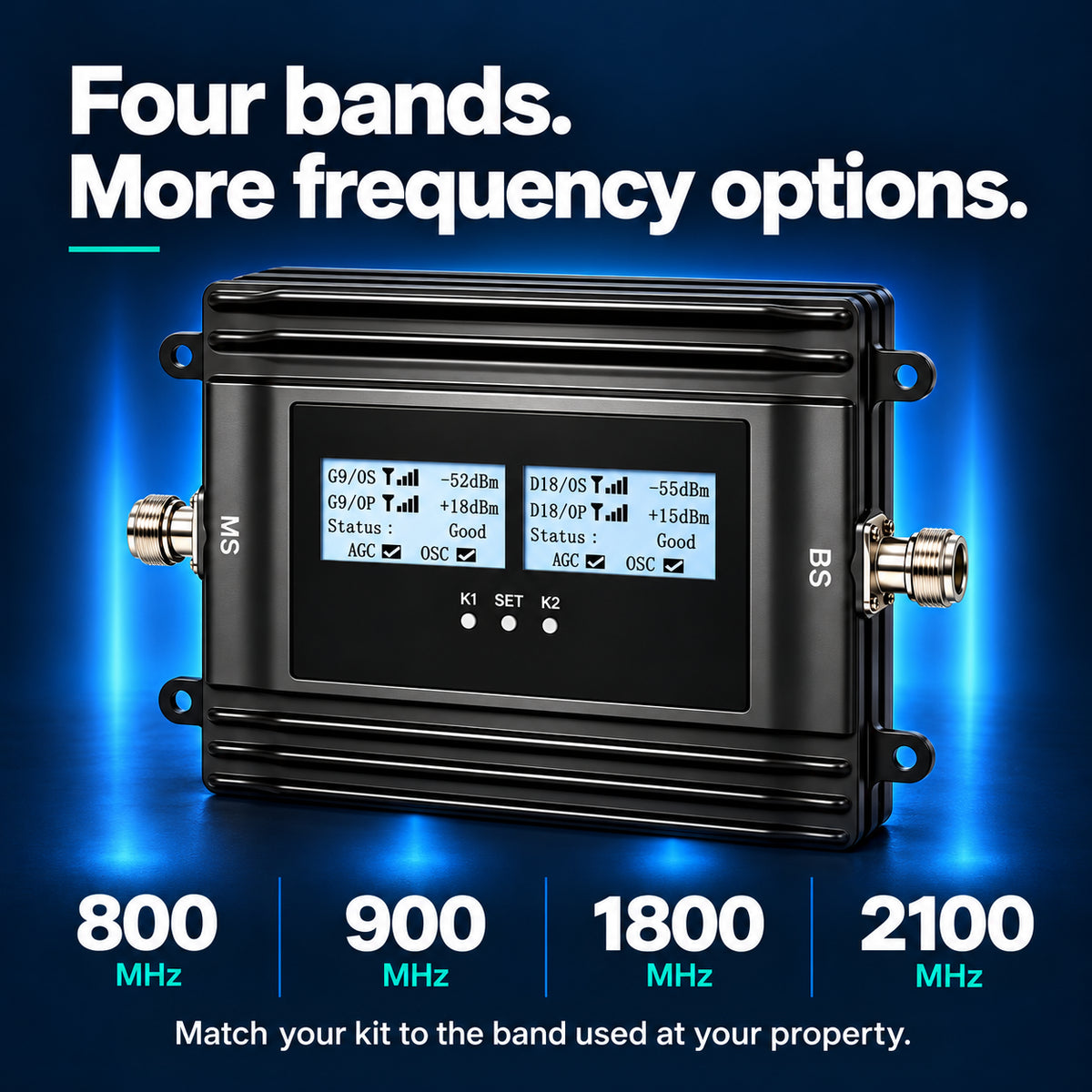
Four-band signal booster for better indoor calls and mobile data.
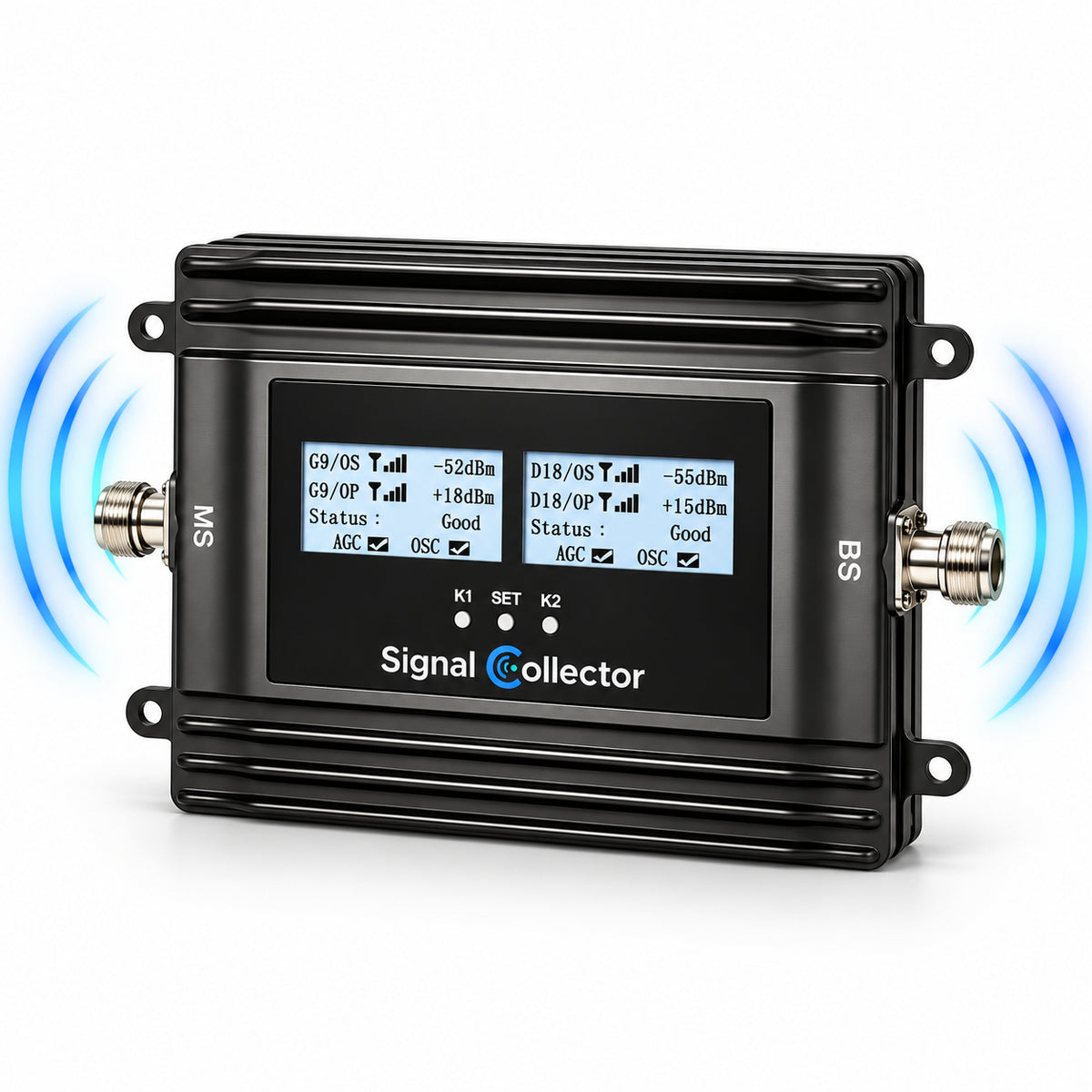
Stop letting weak indoor reception interrupt your day. Signal Collector Ultra 4 helps bring existing outdoor mobile signal inside for calls and mobile data, supporting 800, 900, 1800 and 2100 MHz. Requires a usable outdoor signal on a supported band and suitable installation.
THE DETAILS THAT MATTER
Four supported frequencies. One complete signal booster kit.
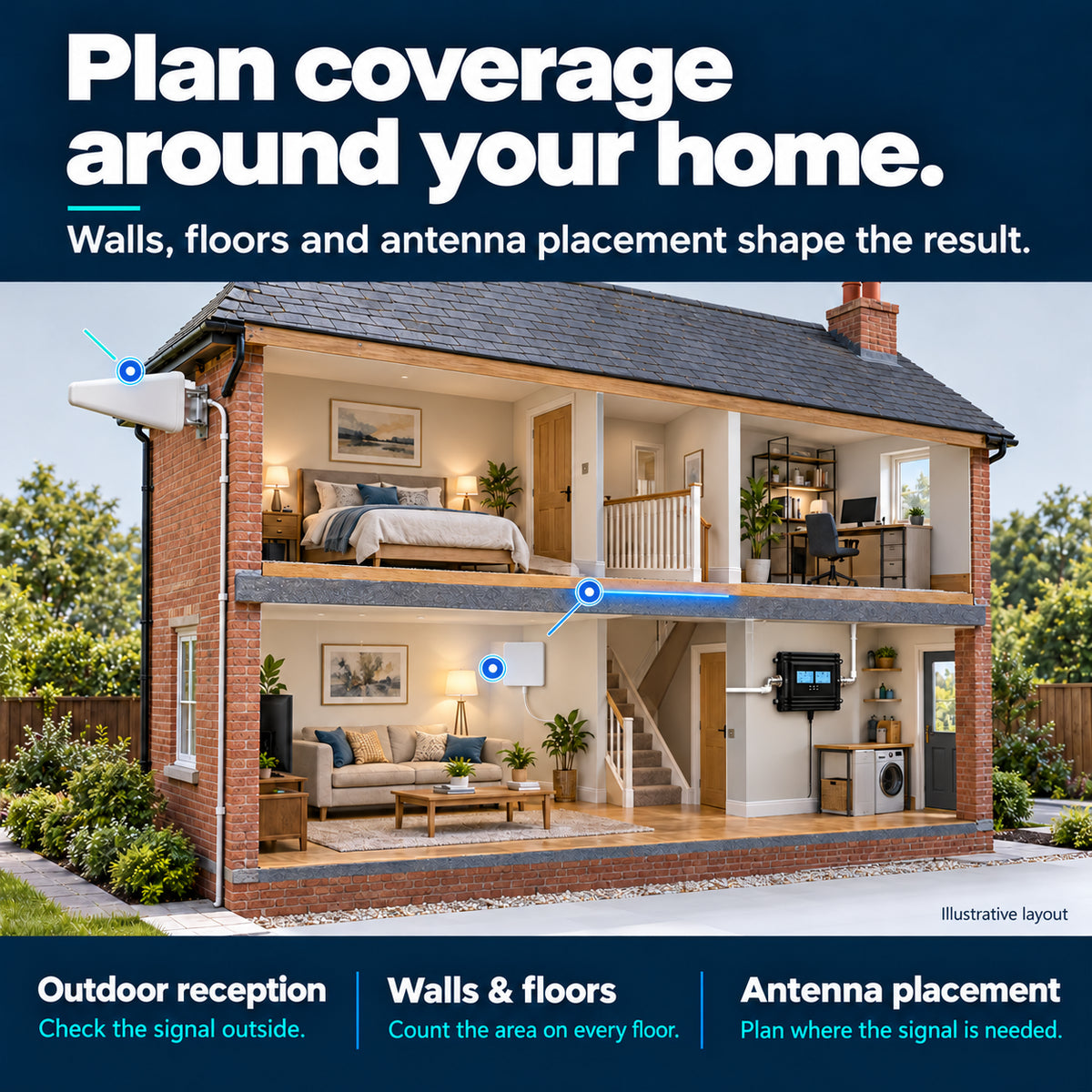
Indoor coverage depends on outdoor reception, building materials, floor layout and antenna placement.
We prepare your order before it is dispatched. Handling time is separate from shipping time.
The total estimate includes handling and shipping. Read our Shipping Policy for delivery details.
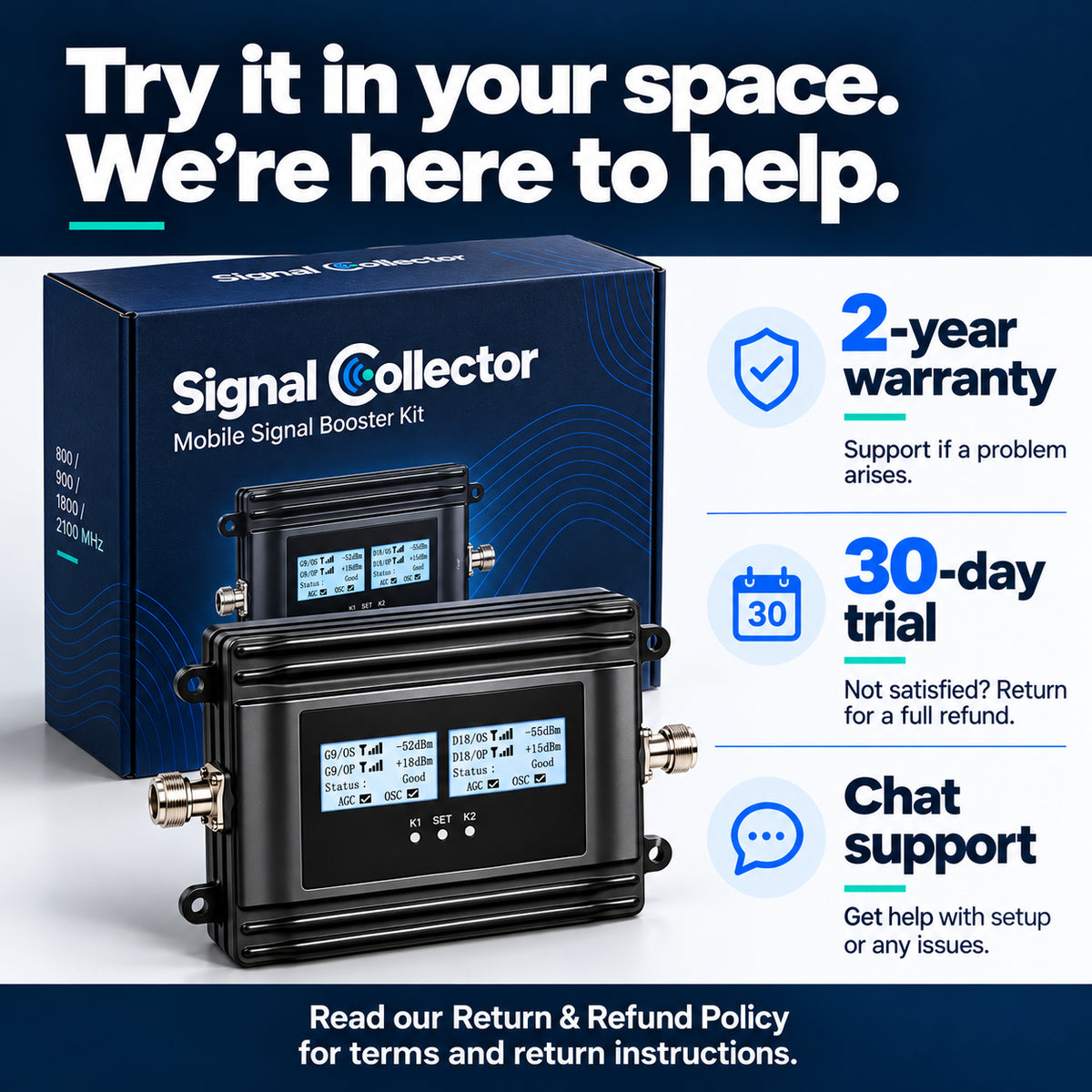
Try Ultra 4 in your space. If it does not meet your needs or perform as expected, request a return within 30 days of delivery.
Please read our Returns & Refunds Policy for eligibility, return instructions and refund details.
Delivery timeframes are estimates and may vary due to public holidays, weather or carrier delays.
HOW ULTRA 4 WORKS
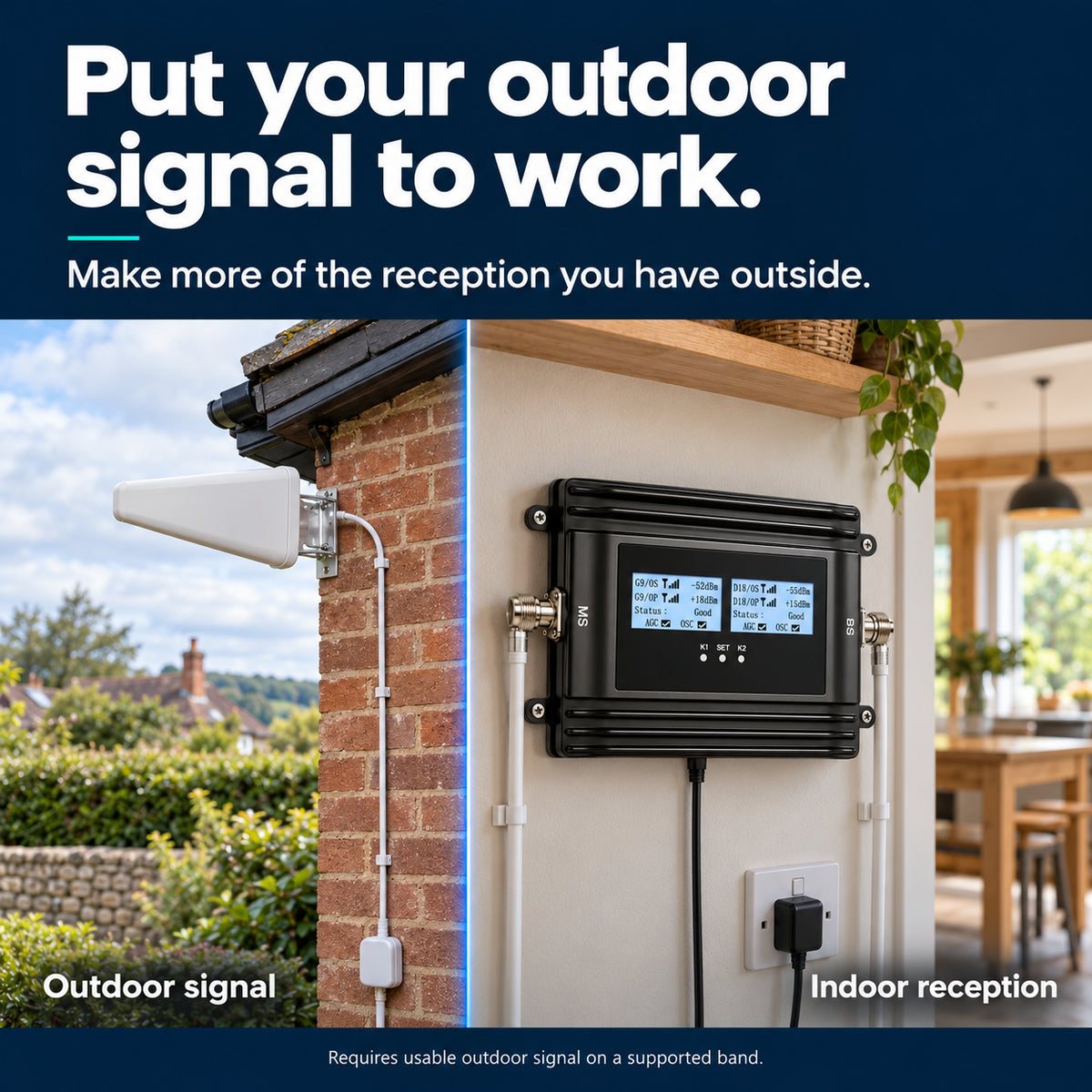
Three connected components help bring existing outdoor mobile signal indoors for calls and mobile data.

START OUTSIDE
Receives the existing outdoor mobile signal. The supplied 15 m cable carries it to Ultra 4.

FOUR-BAND SUPPORT
Amplifies the received signal on its supported frequencies: 800, 900, 1800 and 2100 MHz.

CONNECT INDOORS
Connected by the supplied 5 m cable, the panel antenna distributes the amplified signal into your indoor space.
CHECK YOUR SETUP
Check your network band, outdoor reception and home layout before choosing your kit.
Operator name alone cannot confirm compatibility. Check the connected LTE band for the SIM you use.
| LTE B20 | 800 MHz |
|---|---|
| LTE B8 | 900 MHz |
| LTE B3 | 1800 MHz |
| LTE B1 | 2100 MHz |
A 5G icon does not confirm band compatibility or 5G boosting.
Turn off Wi-Fi. Check accessible outdoor spots near the proposed antenna location. Note whether the phone shows 4G/LTE or 5G, then test a call and load a webpage. A usable outdoor signal on a supported band is required; bars alone are insufficient. Check each provider separately.
Count total floor area across all floors. For example, 150 m² + 150 m² = 300 m². The merchant-verified maximum area is 500 m²
Coverage varies with signal, walls, floors and antenna placement; additional antennas may be needed.
Plan antenna mounting, cable route, a power socket and the required separation according to the product manual.
Select 4G/LTE temporarily if available. Outdoors with Wi-Fi off, enter the code below in the Phone keypad and press Call. Find LTE Band or freq_band_ind for the correct SIM. Menus vary by iOS. This guide does not dial automatically.
*3001#12345#*
There is no universal diagnostic code. Select 4G/LTE if available, grant required permissions and read the serving or connected LTE band, not neighbouring cells. Some phones cannot display bands.
| LTE B20 | 800 MHz |
|---|---|
| LTE B8 | 900 MHz |
| LTE B3 | 1800 MHz |
| LTE B1 | 2100 MHz |
If your band is unknown or not listed, compatibility is not confirmed.





Find out what your setup needs and what to expect from Ultra 4.
Ultra 4 supports 800, 900, 1800 and 2100 MHz. You need a usable outdoor mobile signal on one of these frequencies. Compatibility depends on the band used at your property, so your network name or a 4G/5G icon alone is not enough to confirm a match. Contact us if you need help checking.
A compatible setup can improve indoor reception for both calls and mobile data by bringing existing outdoor signal inside. Your results will depend on outdoor reception, installation and network conditions. The booster does not replace your mobile plan or create coverage where no usable signal exists.
Coverage depends on your property’s layout, wall materials, outdoor reception and antenna placement. Thick walls and multiple floors can reduce how far the indoor signal reaches. Consider the areas where you need reception most, and contact us for help planning your setup.
A straightforward setup can be completed with basic DIY tools. You’ll typically need a drill with a suitable bit, a screwdriver and fixings appropriate for your wall or mounting surface.
Contact us so we can help check compatibility and antenna placement. If Ultra 4 does not meet your needs or perform as expected, you can request a return within 30 days of delivery for a full refund,